

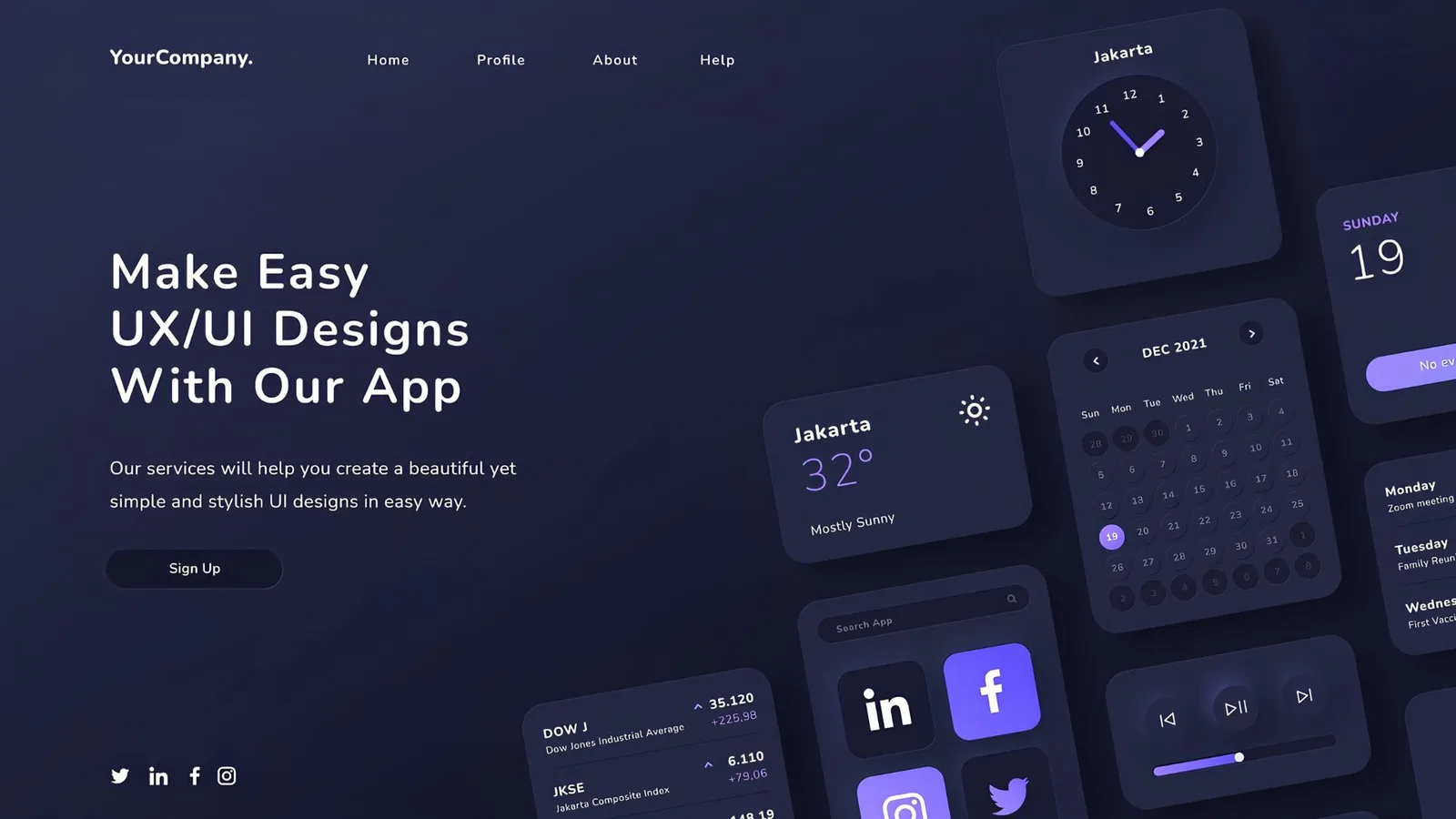
When you hire web design, you constantly hear "UX" and "UI". They are used together, confused with each other, and many clients do not know what each covers — nor which one they need. This guide explains it without technical jargon.
UX: the experience the user has
UX (User Experience) is everything related to how the user feels when using your digital product. Can they easily find what they are looking for? Can they complete a purchase without frustration? Do they understand what each button does?
The UX designer researches, creates user flows, low-fidelity prototypes, and tests with real people before designing a single screen.
UI: what the user sees and touches
UI (User Interface) is the visual layer: the colors, typography, icons, buttons, spacing, animations, and everything the user perceives visually. Good UI makes the product attractive and consistent with the brand.
The critical difference
- UX without UI: Functional but ugly. Users can complete tasks but the visual experience does not generate trust.
- UI without UX: Beautiful but useless. The product is attractive but users do not know how to navigate or complete what they want to do.
- UX + UI well integrated: Products that generate trust, are used without friction, and convert.
Which does your project need?
Corporate website or landing page: Focus is UI with UX principles applied. You do not need extensive research if you have clarity about your customer.
Complex platform or app: Deep UX research before design is the difference between a tool the team enthusiastically adopts and one they abandon after two weeks.